WARDOGS tips: first matches and crash fixes
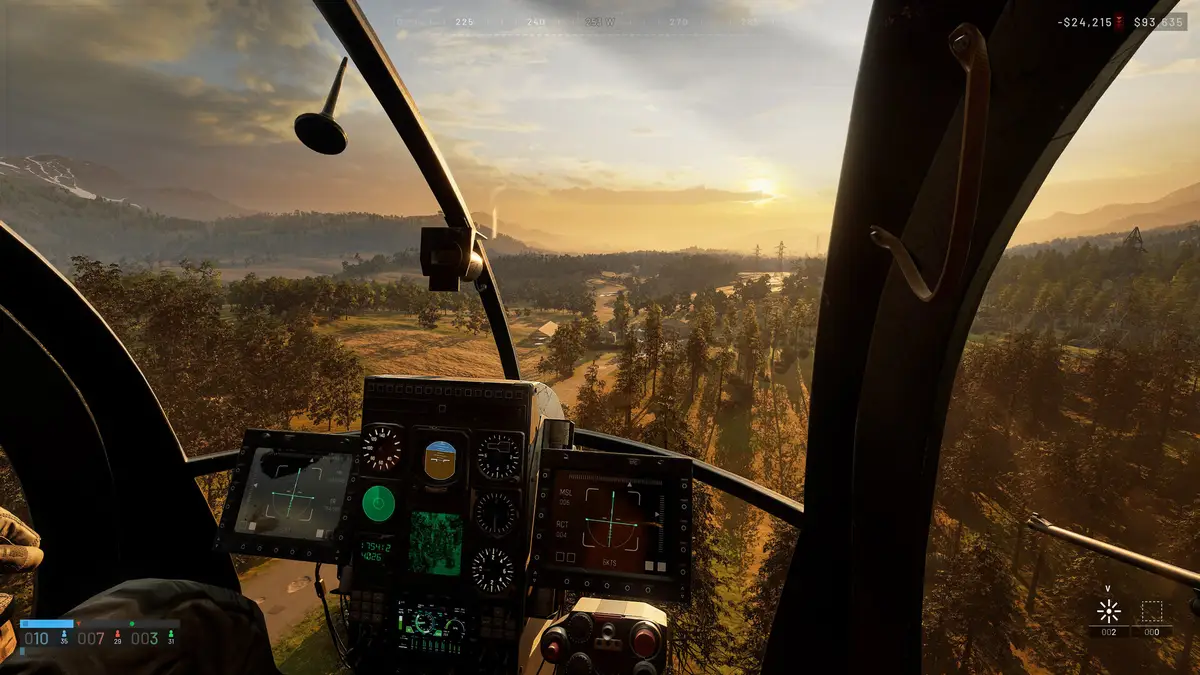
This page covers the WARDOGS tips that matter in your first matches and the crash and error fixes that actually work (including the WD-L020 error). For what the community praises and complains about on r/WarDogs, see our dedicated WARDOGS Reddit page.
Five things to do in your first matches:
- Press DEPLOY, pick your server, and choose a Low-Level community server for your first matches.
- Score by standing in the Control Zone — kills earn no points.
- Earn cash with revives, transport and spotting, not only kills.
- Treat your starting $10,000 as a budget across lives, because every redeploy buys a new loadout.
- Never use cash or XP exploits — they cost you your progress and can end in a permanent ban.
1. Pick a Low-Level server on the DEPLOY screen
Where: Update 0.1.2 (September 30, 2026) added a new DEPLOY server pick — you press DEPLOY and choose Official, Community, Infantry Mode or Low-Level. BULKHEAD's stated goal was to better surface the Infantry Mode and Low-Level community servers that already existed.
Why: fan guides recommend Low-Level community servers for new players, so the pick you want is right there in the DEPLOY flow.
Common mistake: clicking DEPLOY and taking the first server without checking the type. The choice is yours on the DEPLOY screen — pick Low-Level first.
2. Hold the Control Zone — kills score nothing
What to look at: the Control Zone, a randomized 2x2 km area on the 256 km² map. Up to 100 players in three teams fight over it, the team with the most players inside earns points, and the first team to 100 points wins. Inside the Control Zone watch for the Hot Zone: a smaller zone that shifts around, where players count double and it pays double cash.
Why: kills do not score points. Only having more players inside the Control Zone scores, and the zone — especially the Hot Zone — is also where the cash is.
Common mistake: roaming the map for kills while your team loses the zone. A high kill count with an empty Control Zone still loses the match.
Exactly how your team's zone count is shown in the HUD: To be confirmed.
3. Earn cash with teamplay actions
Where to start: revive downed teammates, give teammates rides, and spot enemies. All of these pay cash, and so do kills — players also tip each other for rides and revives.
Why: cash comes from teamplay actions such as revives, transport, kills and spotting, not only kills. What you buy also defines your role: the patch notes name Career, Medic, Support, Recon, Driver and Pilot XP tracks.
Common mistake: treating kills as the only income and driving past downed teammates. Revives and transport pay on their own.
Exact cash amounts per action: To be confirmed.
4. Budget your $10,000 across lives
Where it shows: every player starts with $10,000 of in-game cash, and you buy your loadout — weapons, gear, vehicles — each life. Cash persists from match to match, so every death is a purchase you make again.
Why: because each redeploy re-buys a loadout from the same wallet, your $10,000 is a budget across lives, not the price of one drop. Keep a reserve so expensive lives don't leave you with nothing to equip next time.
Common mistake: assuming the $10,000 resets every match. It doesn't — cash persists, and so does the hole left by overspending.
Exact item prices: To be confirmed — prices are not listed because they change with season balance updates.
5. Don't touch cash or XP exploits
What counts: abusing cash or XP exploits, and real-money trading of in-game cash. Per the Update 0.1.2 notes, BULKHEAD resets the cash and progression of players who do this and states a permanent ban as a risk.
Why: the policy is written in the official Update 0.1.2 patch notes. A reset takes your cash and your levels together, so an exploit shortcut can wipe everything you ground for.
Common mistake: treating an exploit as a private shortcut. The stated penalty hits both wallet and progression, and it can end in a permanent ban.
Progression expectations
Progression is deliberately slow. Per the Season 1 changelog, BULKHEAD tuned it so a median player at 20–25 hours sits around level 20, and the top items need a long grind.
Cash profits can be exchanged for Gold Bars, which buy cosmetics in the Gold Market. There is no battle pass and no pay-to-win — money buys looks, not power.
Season 02 notes
Season 02 (Update 0.2.0) went live on October 15, 2026. It adds four weapons (TCX Spear assault rifle, M14 DMR, PP-19 Bizon SMG, Evo-3 Ultra LMG), the Molotov, four vehicles (Wolf-110, Wolf-110 Assault, T-72, Flakpanzer Gepard) and a rain weather preset.
Per the Season 02 preview, a losing team gets a 20% vendor discount when it is at least 40 points behind second place, and the preview says this applies to all teams. This comes from the preview only and may change — treat it as announced, not confirmed current behaviour.
Crash fix: three steps that solve most of it
Try these three steps before anything else.
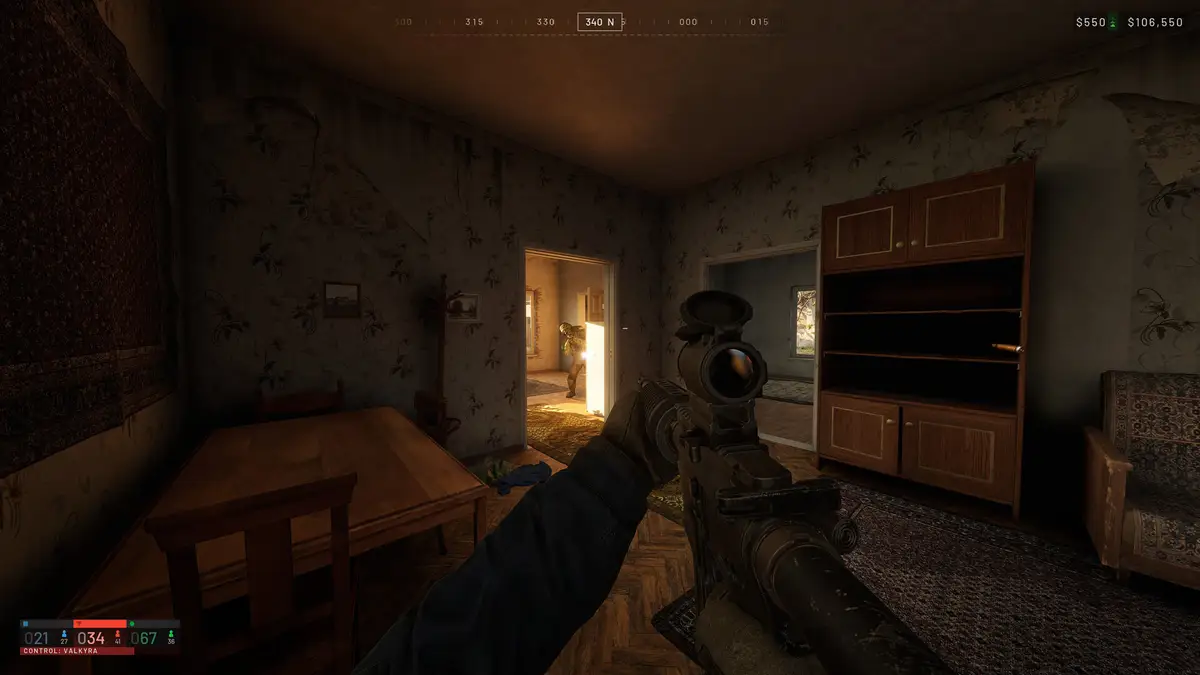
- Update the game.
The WD-L020 crash on Windows 11 was caused by Windows update KB5124010. BULKHEAD fixed it in WARDOGS Update 0.1.2 on September 30, 2026 — the fix is to update the game. The current version is Season 02 (Update 0.2.0), live since October 15, 2026.
- Verify your game files in Steam.
Verify Integrity of Game Files is Steam's own repair tool for damaged or missing files. In Steam, go to Library → right-click WARDOGS → Properties → Installed Files → Verify integrity of game files.
- Rule out maintenance before you call it a crash.
Around patches, servers go offline for maintenance — about 1 hour, typically starting 08:00 UTC (for example before Update 0.1.2 and before Season 02 launched on October 15, 2026). A "can't connect" during that window is not a crash. At launch, join failures, mid-match kicks and long login queues were addressed by Launch Stability Hotfix #1 on September 10, 2026.
Match your symptom
| Symptom | Cause | Fix | Source |
|---|---|---|---|
| WD-L020 error on Windows 11 | CauseWindows update KB5124010 | FixUpdate the game — fixed in Update 0.1.2 (Sept 30, 2026) | SourceUpdate 0.1.2 patch notes |
| Can't join a server, kicked mid-match, or stuck in a long queue | CauseLaunch-week server instability (September 2026) | FixAddressed by Launch Stability Hotfix #1 (Sept 10, 2026). Keep the game updated. | SourceLaunch Stability Hotfix #1 |
| Can't connect on patch day | CauseScheduled maintenance — servers offline about 1 hour, typically from 08:00 UTC. Not a crash. | FixWait out the maintenance window | SourceUpdate 0.1.2 notes; Season 02 launch post |
| Crashes with frame generation on | CauseThe Season 1 changelog fixed two crash paths in the frame generation pipeline | FixTurning frame generation off is worth trying — not an official fix. DLSS Frame Generation can now be toggled without restarting. | SourceSeason 1 changelog |
| Crashes on Steam Deck or Linux | CauseThe game needs Windows 10/11 64-bit. Steam Deck is listed as Unsupported, so crashes there are outside official support. The developers have said they are working on Proton support — no date given. | FixPlay on Windows 10 or 11, 64-bit | SourceSteam store page; Steam store data |
| WD-L014 or WD-L018 error | Cause and fixTo be confirmed — no official fix has been documented. Missing: a fix confirmed by BULKHEAD. | Source— | |
| Crash at startup with runtime.dll or 0xC0000005 | Cause and fixTo be confirmed — player reports only. Missing: an officially confirmed cause and fix. | Source— | |
| Game freezes 45–60 minutes into a session | Cause and fixTo be confirmed — player reports only. Missing: an officially confirmed cause and fix. | Source— | |
| DirectX 12 message at startup | Cause and fixTo be confirmed — player reports only. Missing: an officially confirmed cause and fix. | Source— | |
Check your PC meets the minimum
These are the minimum specs listed on the Steam store page:
- OS: 64-bit Windows 10
- CPU: Intel Core i5 8600 or AMD Ryzen 5 3500
- RAM: 16 GB
- GPU: Nvidia GTX 1660 or AMD Radeon RX 590
- Storage: 50 GB
- Stated target: 1080p Low @ 60fps (Upscaled)
What players praise and complain about on Reddit
Looking for player reactions to squad teamwork, the weapon-unlock grind, and seasonal progression resets? We moved the full breakdown and verbatim r/WarDogs quotes to our standalone WARDOGS Reddit page, or you can head back to the WARDOGS game overview.
Sources
Official
- BULKHEAD, "WARDOGS - TOP QUESTIONS", Steam announcement, February 18, 2026 — store.steampowered.com/news/app/1867240
- BULKHEAD, "Pre-Load Live & Season 1 Changelog", Steam announcement, September 9, 2026 — store.steampowered.com/news/app/1867240
- BULKHEAD, "Launch Stability Hotfix #1", Steam news, September 10, 2026 (launch join/kick/queue problems) — store.steampowered.com/news/app/1867240
- BULKHEAD, "WARDOGS | Update 0.1.2 (Minor Patch)", Steam announcement, September 30, 2026 — store.steampowered.com/news/app/1867240
- BULKHEAD, "WARDOGS | Season 02 Preview", Steam announcement, October 9, 2026 — store.steampowered.com/news/app/1867240
- BULKHEAD, "WARDOGS | SEASON 02 IS NOW LIVE", Steam announcement, October 15, 2026 — store.steampowered.com/news/app/1867240
- Steam Support, "Verify Integrity of Game Files" — help.steampowered.com
- WARDOGS on Steam (store page: minimum specs, Steam Deck: Unsupported) — store.steampowered.com/app/1867240, and Steam store data (US), read 2026-10-26
- WARDOGS official site — wardogs.com
Secondary (support only)
- Wikipedia: Wardogs — en.wikipedia.org/wiki/Wardogs
- Kotaku, WARDOGS impressions — kotaku.com
- ZillionGamer, WARDOGS patch 0.1.2 highlights — zilliongamer.com
- WARDOGS fan wiki — crash fix guide (WD-L020 background)
More in this section
- Back to the WARDOGS game guide — what the game is and how every match works.
- WARDOGS on Steam — editions, prices, and whether $39.99 is worth it.
- WARDOGS updates — every official patch, newest first.
- WARDOGS server status — maintenance windows and error codes.