WARDOGS performance: low FPS, random stutter, mouse stutter or lag?
| Symptom | What it looks like | Start here |
|---|---|---|
| Low FPS | The frame rate stays low through a whole match, not in bursts. | Compare your PC with the official FPS targets. |
| Random stutter or freeze | Play pauses for a moment, sometimes with no control input, then resumes. | Read the player reports and keep the cause open. |
| Mouse-only stutter | Judder appears only when you turn or look around; straight-line play is smooth. | Read the mouse-specific report: one player went 1000Hz, then 500Hz, then 250Hz. |
| Lag or high-ping kick | The game runs smoothly, then your shots, movement or the whole match lag. | Per the Season 02 patch notes, sustained high ping has server-side rules and kick thresholds. See WARDOGS servers and can't join a server. |
Scroll sideways for the rest of the columns.
There is no official general stutter fix; player handling is an individual report, not a guarantee.
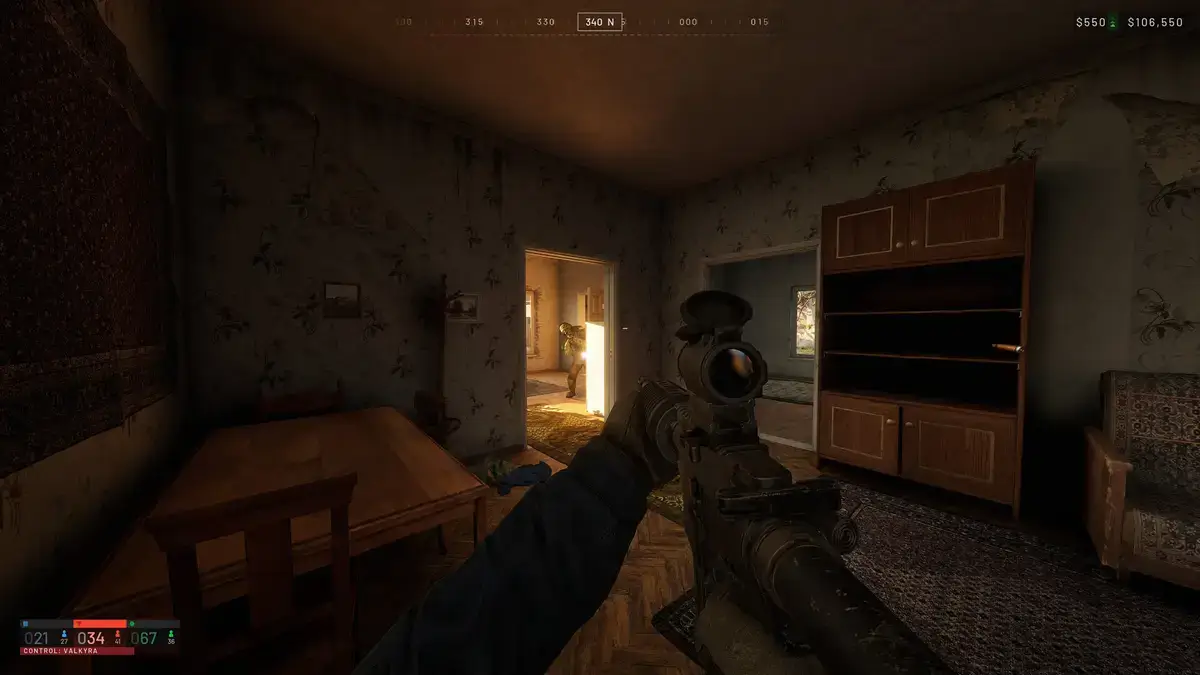
Official FPS targets
Steam lists two specifications for WARDOGS. Both carry a frame-rate note. These are the store's specification notes, checked November 7, 2026: they are not measured on this site, and they are not a guarantee for every PC.
| Specification | Minimum | Recommended |
|---|---|---|
| OS | Windows 10, 64-bit | Windows 11 |
| CPU | Intel Core i5 8600 / AMD Ryzen 5 3500 | Intel Core i7 12700k / AMD Ryzen 7 5700x |
| GPU | Nvidia GTX 1660 / Radeon RX 590 | Nvidia RTX 3070 / AMD Radeon RX 6700 XT |
| RAM | 16 GB | 16 GB |
| Storage | 50 GB | 50 GB |
| Frame-rate note | “1080p Low @ 60fps (Upscaled)” | “1440p Medium @ 70fps+ (Native) or 4k Medium @ 60fps+ (Upscaled)” |
Scroll sideways for the rest of the columns.
If your frame rate sits below the note that matches your hardware, start with the game settings and drivers you control. If it drops only now and then, that is the random-stutter row, not this one.
A mouse-specific report
In a Steam Community thread on November 4, 2026, one player reported stutter and flicker while turning or looking around. The same player said the original polling rate was 1000Hz, 500Hz improved the issue, and 250Hz resolved it completely for them.
The player's own closing line was: “Dropped mouse polling rate to 250Hz in mouse's software and issue went away completely”.
This is one player's mouse-specific report, and it covers one symptom only: the judder that appears when you move the view. It is not an official remedy, it is not a fix for stuttering in straight-line play, and it is not a fix for low FPS.
Random stutters: what players reported
In a thread on November 2, 2026, one player with an RTX 4070 Ti and a Ryzen 7 7800X3D reported freezes every few minutes. Each freeze lasted three seconds, followed by another three seconds without control input. That player said verifying files, reinstalling, updating drivers and updating Windows had not resolved it. The case stays unresolved here: no official post names a cause for it.
In a separate thread, also from November 2, 2026, another player described results that changed between attempts. Clearing the DirectX and Nvidia cache helped for one match. Changing paging-file settings helped somewhat. A performance preset helped for a couple of days. The same player later reported the stutters returning without changing any settings.
Treat those as one player's experiences, not a tested sequence and not a universal solution. The two reports do not share a cause, and neither one shows that a setting on this page removes stutter for anyone else.
Crash or lag instead?
A crash, a failed launch, a kick and a stutter are four different problems with four different records behind them.
- A crash or a failed launch. Update 0.1.2, posted September 30, 2026, fixed the WD-L020 crash on Windows 11. The Season 1 changelog says two crash paths in the frame generation pipeline were fixed. Neither fix is a stutter fix. The steps are on the WARDOGS crashing page; Steam's Verify Integrity of Game Files is the repair tool described there.
- A sustained high ping. Per the Season 02 patch notes, official servers enforce a maximum ping per region and kick players who stay above it. The same patch added ping tags and filters to the server browser, and it says server-side lag spikes are excluded from ping measurements. High ping is a network symptom, not a frame rate one: use the can't-join page for the join-side checks, and the servers page for which servers enforce what.
What is not established
- No official post gives a general stutter fix, and none names a cause for it.
- This site did not run WARDOGS. It measured no frame rate and tested no fix.
- No player report above proves that a performance preset, a paging file, a shader cache or a frame-generation setting fixes general stuttering. The reports conflict and describe single machines.
- This page gives no BIOS, driver-removal, registry or virtual-memory instructions.
- The reports here do not show that the engine, a cheat, or anti-cheat is the cause.
- An individual report is a lead, not a guarantee.
Sources
- WARDOGS on the Steam store — official minimum and recommended specifications, including the frame-rate notes — read 2026-11-07
- Steam announcement "WARDOGS | Season 02 Patch Notes", October 14, 2026 — official server ping limits, sustained-limit kicks, and ping tags and filters — read 2026-11-07
- Steam Support "Verify Integrity of Game Files" — Steam's repair tool — read 2026-11-07
- Steam Community thread "Mouse movement stuttering bug & fix - Mouse polling rate", November 4, 2026 — individual player report — read 2026-11-07
- Steam Community thread "Major game stutter", November 2, 2026 — individual player report — read 2026-11-07
- Steam Community thread "Fix stutters", November 2, 2026 — individual player report — read 2026-11-07
More in this section
- Back to WARDOGS server status — current notice, queues, and error codes.
- WARDOGS crashing — the WD-L020 crash, the frame generation fixes, and file verification.
- WARDOGS can't join a server — the join-side decision paths and error messages.
- WARDOGS servers — who runs each server and why a high ping gets you kicked.